Product Page SEO for Google and ChatGPT in Algeria

A buyer asks, “Where can I buy a canvas tote bag delivered to Oran?” Your store sells one. But its page says only “Premium bag, best quality, order now.” The buyer still cannot check its size, fastening or delivery conditions.
Start with one product page that answers those questions using facts you can verify. That gives shoppers useful information and gives search services a clearer source to work with. This guide shows what to publish in DZBuild, how to check it, and how to distinguish actual search visibility from an AI simply reading a link you supplied.
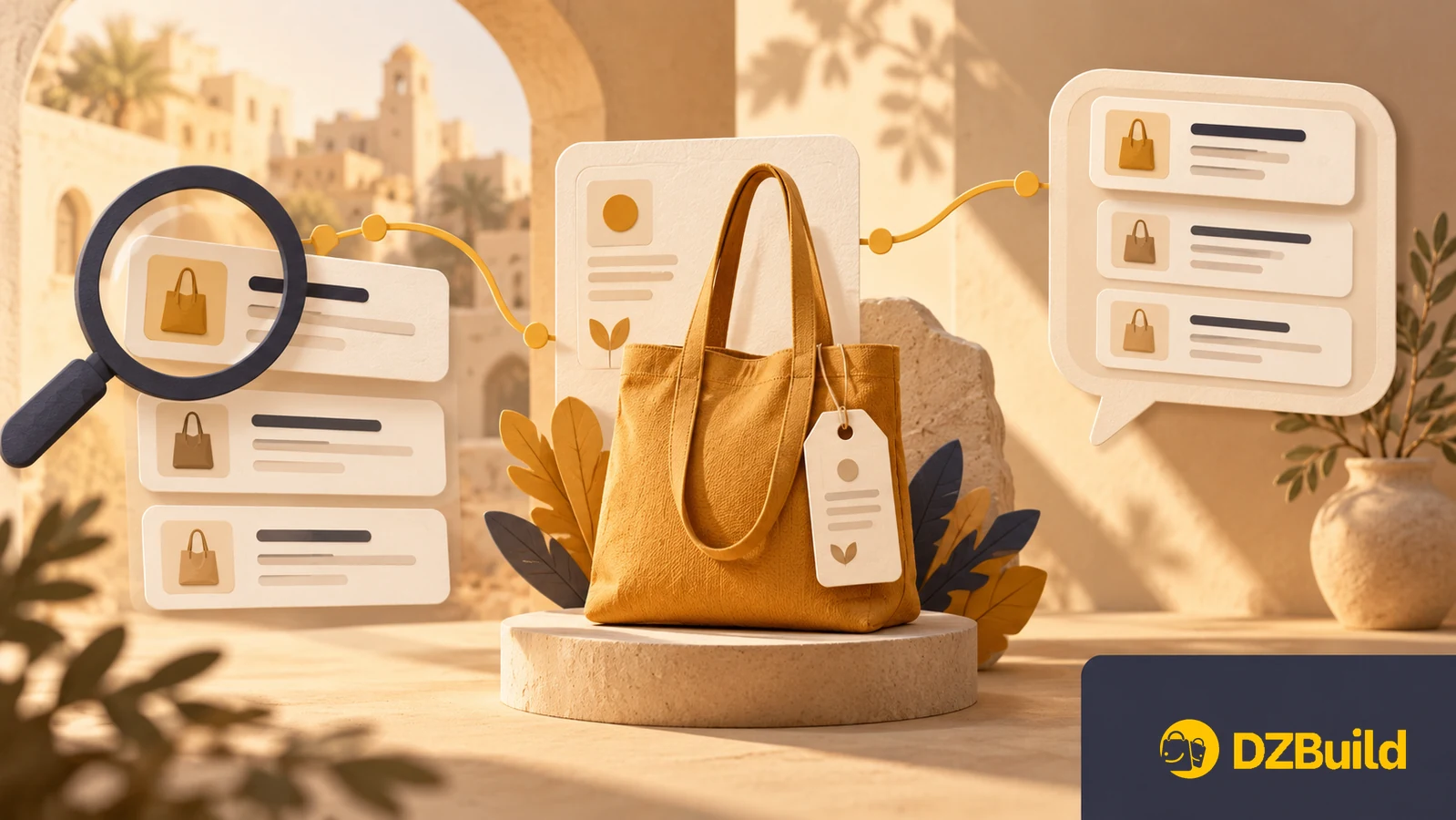
Illustrations explain the workflow. They are not product photographs, software screenshots or evidence of a search result.
Google results, AI answers and shopping integrations
These are different ways a product might be found:
| Surface | What the buyer sees | What to check |
|---|---|---|
| Google Search | A link to your product page | Can Google access and index the page? |
| Google AI features | An answer that may cite your page | Is the page eligible, and is the site included in Search generative AI? |
| ChatGPT Search | An answer with links to sources | Can its search crawler access your public page? |
| Product feeds and checkout inside ChatGPT | A separate commerce experience | Does the merchant have the required integration and approval? |
Google's current guidance keeps ordinary SEO as the foundation for AI visibility. Eligibility includes indexing, snippet eligibility and the site's Search generative AI setting. It does not guarantee that a page will appear. Google's guidance
For ChatGPT, search access and model training have separate crawler controls: OAI-SearchBot concerns search; GPTBot concerns potential training. Letting a search crawler access a page is only an eligibility step. OpenAI's crawler documentation
Opening a DZBuild store does not automatically enroll its catalog in ChatGPT product feeds or checkout. Direct feed onboarding is a separate approved-partner process. This article concerns public product pages and search discovery. OpenAI commerce onboarding
Gather product evidence before writing the description
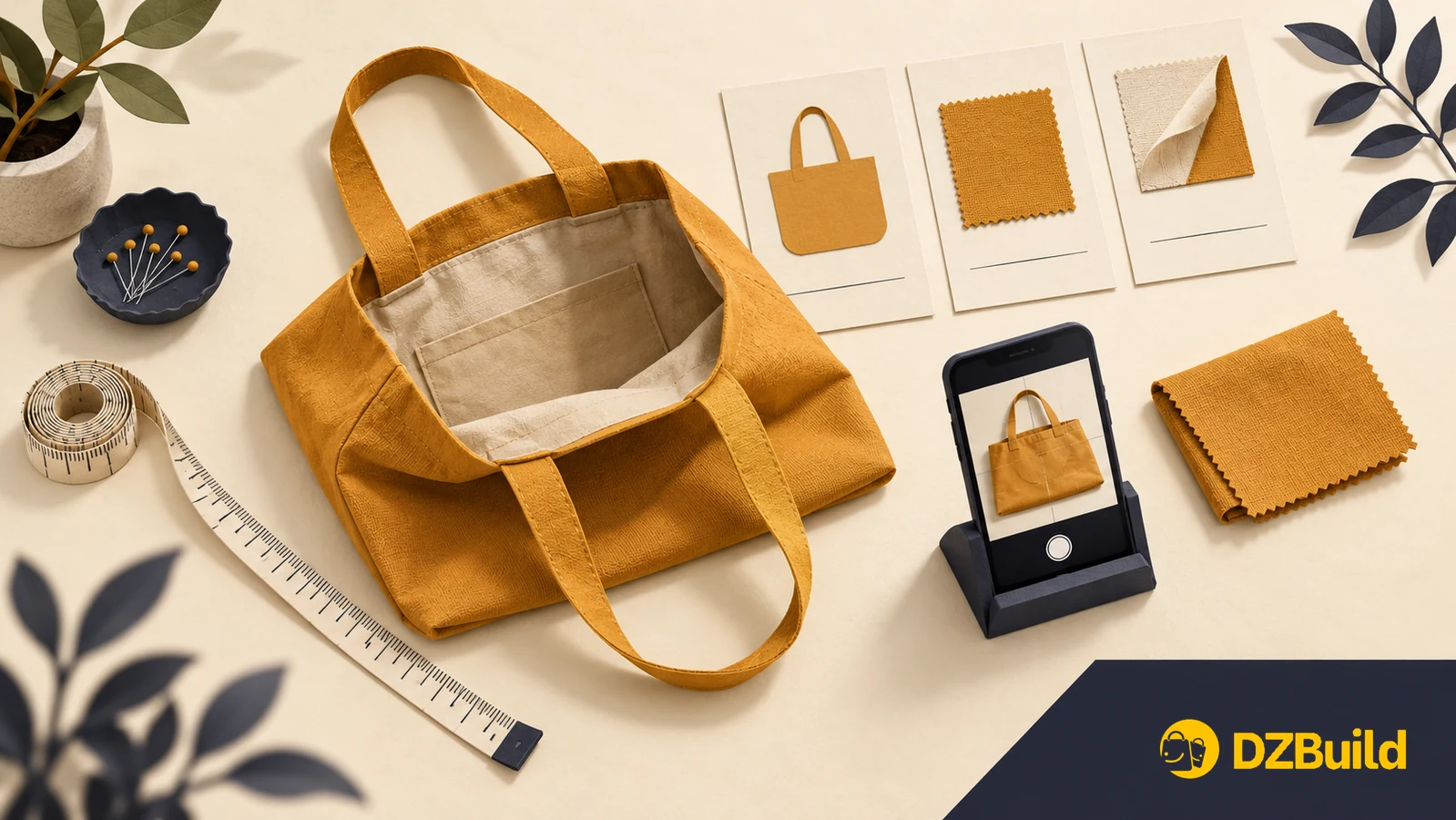
Choose a product you actually have available. Put the sample, packaging and supplier documentation beside you. Separate what you measured, what the supplier documented and what remains unknown.
Here is a blank worksheet for a tote bag. Fill it with your own evidence before publishing.
| Buyer question | Evidence to gather | Put on the page |
|---|---|---|
| How big is it? | Measure width and height; photograph the measurement | Dimensions and how they were measured |
| What is it made of? | Check the label or supplier specification | Verified material; no guessed fabric percentage |
| Does it close? | Inspect the opening | Zip, button or open top |
| Will my laptop fit? | Compare the bag opening and usable interior with the device | Measured limits; only claim a tested fit |
| What arrives in the parcel? | Check one packed order | Exact contents and anything shown but excluded |
| What will I pay? | Check the current price and destination-specific delivery charge | Product price in DZD and where delivery fees appear |
| Can it be delivered to me? | Check your actual courier service and settings | Available destination and delivery options |
If waterproofing, load capacity or fabric composition is unverified, leave out the claim. A fluent AI paragraph does not verify a specification.
For Algeria, answer the practical delivery questions: home delivery or stop desk, the selected wilaya and commune, the applicable fee, and whether cash on delivery is offered for this product. Use your actual conditions. Do not copy another shop's delivery promise.
Write a page that can answer a specific question
The following is a fictional teaching example, not a DZBuild merchant listing or a product offer. Its dimensions and features must not be copied onto a real product without verification.
Vague version
Premium tote bag. Amazing quality. Suitable for everyone. Order now.
Specific version
Ochre canvas tote bag with an inside pocket. The body measures 38 cm wide and 40 cm high when laid flat, excluding the handles. The top is open; there is no zip. The parcel contains one bag. The notebook and other accessories in the photos are not included.
The second version lets a buyer answer “Does it have a zip?” without sending a message. It also states a limitation that the first version hides. Add the actual price, stock and delivery information through your product and store settings.
Use the language your buyers understand. For a French page, questions might include “Le sac se ferme-t-il ?” and “Livraison à domicile ou en stop desk à Oran ?” For an Arabic page: “هل الحقيبة فيها سحاب؟” and “هل التوصيل للمنزل أو لمكتب شركة التوصيل في وهران؟”
These are example buyer questions, not a list of measured high-volume keywords. Answer the relevant ones naturally. Repeating every variation of “buy bag Algeria” makes the page harder to read.
Keep essential facts in readable page text. A size chart drawn into a photo can support the description, but the shopper should also be able to read the measurements without zooming into an image. Use photographs of the real item for its condition, colour and contents.
Publish those facts in DZBuild
In Products, open the product you want to improve. The product management guide shows the controls.
- Give the product a descriptive name. Include its type and a useful verified distinction, such as its material or model. A discount slogan is not a product identity.
- Put the essential facts at the start of the description. DZBuild uses the product name and description to build its page metadata; there is no separate product SEO-title editor. Search services still choose how to display their results.
- Choose the main photo and arrange the gallery. Show the actual item, then details that answer questions: opening, interior, dimensions or included pieces. The main photo also supplies the product's social preview image.
- Check price, options, stock and visibility. A buyer must be able to select the variant described. Choose Active and visible when the product should be publicly discoverable. Hidden products are omitted from the store sitemap, although their direct links can still work.
- Save and open the current Share link on your phone. Read the page as a buyer. After renaming a product, copy its current link again and check links used in ads or social profiles.
DZBuild's AI description button can help prepare a draft. Review the result against your evidence sheet before saving, especially materials, compatibility, included items and promises. The draft does not establish any of those facts. Description controls and product links
For Google verification, Store Settings includes a Search Console verification field. Follow the store SEO guide for the setup. Product information belongs on the product page; you do not need to write a separate blog post for every product.
Check access, then measure discovery

Open the current product link in a private browser window. Check that it loads without your account, displays the right price and images, and can be reached from the appropriate store category. Test the selected delivery destination too.
Next, use URL Inspection in Google Search Console on that exact address. Review what Google reports about access and indexing. For a new or changed page, you can request indexing; submitting the request does not guarantee inclusion. Google's recrawl guidance
In Search Console, check Settings → Search generative AI. Google's documented default is Include, but a property can inherit its setting from a parent. Review the effective setting for your store. Google's control documentation
If a crawler cannot access the page, give your site administrator the exact URL and reported problem. Ask them to inspect the public domain's crawl rules and any access challenge. Keep customer accounts, order pages and private information protected.
Record a baseline for the page and compare the same measurements after updating it:
| Measurement | What it tells you |
|---|---|
| Google impressions and clicks | Whether the page appeared and attracted visits from Search |
| Generative AI impressions | Whether it appeared in Google's AI features, when the report has data |
| Visits referred by ChatGPT | Whether people followed a ChatGPT link to the store |
| Product enquiries and completed orders | Whether the visits led to useful commercial activity |
Google's Generative AI performance report measures impressions. Its data overlaps the ordinary Web report, so do not add the two totals together. A store with little data may not see the report. Report documentation
OpenAI documents utm_source=chatgpt.com on ChatGPT search referrals. If your analytics records it, use it to examine those visits. Keep your own test visits separate. OpenAI's publisher FAQ
Pasting your URL into an AI chat tests whether that tool can read and explain the page. It does not prove that shoppers will discover the page without your link. Likewise, one answer mentioning your shop is an observation, not a stable ranking or a traffic forecast.
Questions merchants ask
Do I need an llms.txt file to appear in Google AI answers?
Google says it does not require or use that file for Search visibility. Start with an accessible product page and useful, accurate information. Google's AI search guide
Can an AI fill in missing product specifications?
It can identify missing questions and organize information you supply. Obtain unknown facts from the actual item or a reliable specification before publishing them. Never turn a guess into a warranty, test result or customer review.
Does product structured data guarantee stars or an AI citation?
No. Structured data describes content and can establish eligibility for certain search features. Google still decides what to show, and the data must agree with the visible page. Google's product documentation
What should I do first in DZBuild?
Improve one available product: a precise name, an evidence-based description, real photos, correct options and clear delivery conditions. Save it, check the public Share link, and record your baseline. If you are starting your store, create your DZBuild account and follow the first-product guide.